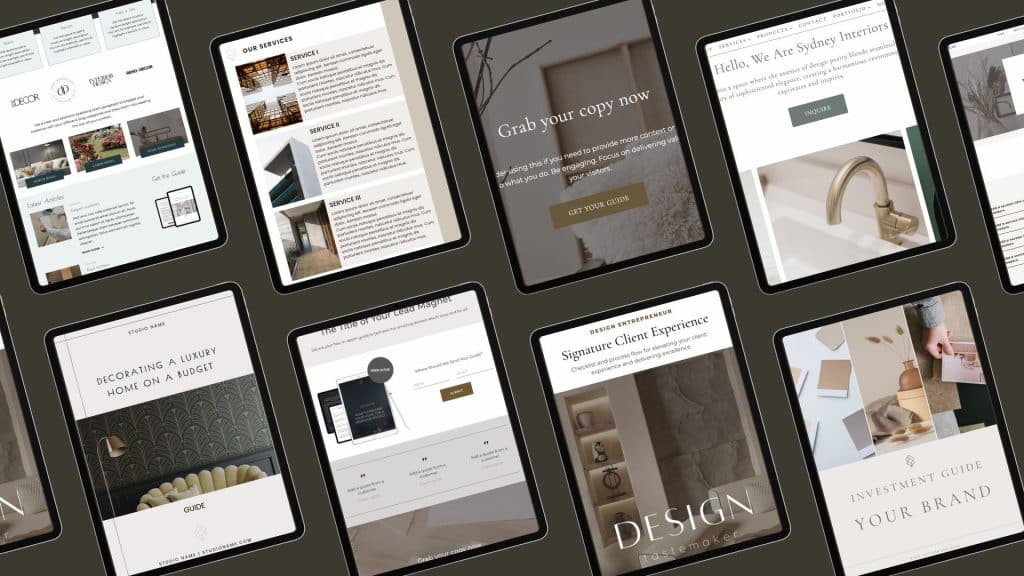

You have like ly noticed that every now and then when browsing websites, you get an error page that looks something like this:

Or this:

What you see is a type of error pages that typically appear when users try to access a removed, restricted, or unauthorized part of a website. While this might seem like a moment of frustration for visitors, it’s actually a golden opportunity for brands to reinforce their identity, create engagement, and even drive action.
What are 401 and 404 Pages?
A 401 page is an error page that appears when a user tries to access a webpage or resource they are not authorized to view. It’s tied to the HTTP 401 Unauthorized status code, which indicates that the request was valid, but the server requires authentication or proper credentials before granting access.
Why Does a 401 Error Occur?
- Missing Credentials: The user didn’t provide login details.
- Invalid Credentials: The username or password provided was incorrect.
- Restricted Access: The user doesn’t have the proper permissions to view the content.
- Session Timeout: The user’s authentication session expired.
A 404 Page error page appears when a user tries to access a webpage that cannot be found on the server. It corresponds to the HTTP 404 Not Found status code, indicating that the requested page doesn’t exist or has been moved without proper redirection.
Why Does a 404 Error Occur?
- Broken Link: The URL was mistyped or outdated.
- Deleted Content: The page was removed from the site.
- Moved Content: The page was relocated without a redirect in place.
- External Link Error: Another website linked to a non-existent page on your site.
401 and 404 Pages are Great Brand Experience Opportunities
While both errors might seem like dead-ends, they’re actually valuable touchpoints in the website user experience.

Reinforce Brand Identity
A standard error page often feels technical and uninviting. By designing a custom error pages that reflect your brand’s voice, tone, and aesthetics, you turn an otherwise negative experience into a positive one. This might include:
- Clever Copywriting: Use humor or empathy to lighten the mood.
- Branded Visuals: Include brand colors, logos, or illustrations.
- Consistent Tone: Match the brand voice (e.g., friendly, professional, or quirky).
Example: Instead of a dry “Access Denied” message, a luxury home decor brand might say, “Oops, looks like you’ve wandered into the VIP lounge without a pass. Let’s guide you back to our stunning collection.” And then you link back to the pages that you want your visitors to experience.
Create Engagement Opportunities
Instead of letting visitors hit a dead-end, a smart error page guides them to meaningful next steps:
- CTA Buttons: Link back to the homepage, product catalog, or support.
- Search Bar: Allow users to quickly find what they need.
- Interactive Content: Add fun animations or clickable graphics.
Example: A design platform might include a playful button that says, “Take me to inspiration” leading to curated design portfolios.
Build Trust with Transparency
Being transparent about why someone landed on an error page can build trust:
- Explain the Issue: A simple explanation like, “You might not have the right permissions, or the link is broken.”
- Provide Support Options: Include links to customer support or an FAQ page.
This approach shows your brand cares about the user experience, even in error scenarios.
Encourage Conversions
Your error page can include subtle promotional messaging:
- Newsletter Sign-Up: Invite users to subscribe to updates.
- Special Offers: Display limited-time offers or discounts.
- Product Showcase: Highlight popular products or services.
Example: “Looks like you’ve hit a restricted area. While you’re here, why not check out our top-selling furniture pieces?”
Show Brand Personality
Error pages are a rare chance to show your human side. Whether it’s wit, warmth, or charm, let your personality shine:
- Use relatable language.
- Include a branded mascot or character.
- Add light-hearted visuals like playful animations.
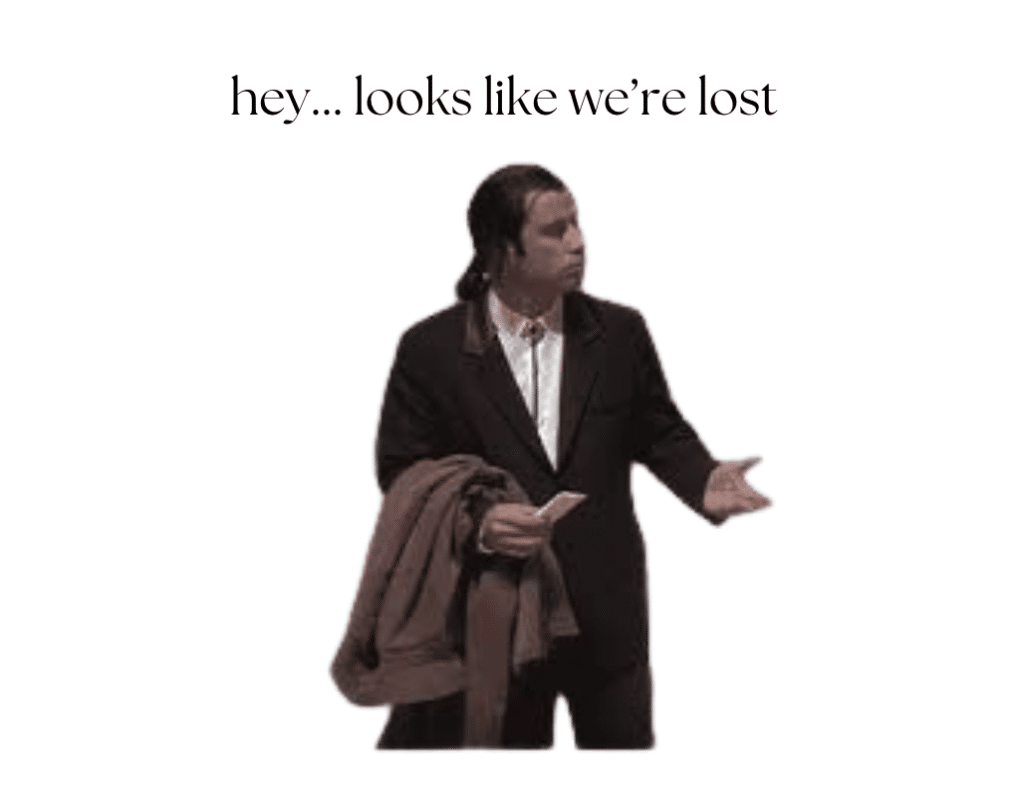
Example: A creative agency might feature an illustrated character looking confused with a speech bubble saying, “I think you took a wrong turn – let me show you the way!”
This is one of my own website error pages, it makes people smile (particularly people in my age group)
Improve User Retention
A well-designed error page keeps users on your site instead of clicking away in frustration:
- Add engaging content suggestions.
- Include quick navigation links to essential pages.
- Suggest exploring featured projects or blog posts.
This ensures users remain engaged with your brand despite the error.
Both 401 and 404 pages don’t have to be digital dead-ends. With thoughtful design, strategic content, and a dash of creativity, they can become opportunities to reinforce your brand, engage users, and even drive conversions.
But, how do you do this? Let’s find out!
How to Change 401 and 404 Error Pages
Here are common ways to update them across most platforms:
- Use a Plugin or Extension: Many platforms offer plugins or apps specifically for managing error pages.
- Adjust Theme or Template Files: Locate files like
404.php,401.php, or their equivalents and customize them directly. - Use Built-In Settings: Some systems allow error page customization through settings or dedicated sections.
- Create a Custom Page: Design a dedicated error page and set it as the default for 401 and 404 errors.
- Add Redirect Rules: Redirect users from error pages to key sections like the homepage or a help page.
- Inject Custom Code: Use advanced settings or code injection tools for full control over design and functionality.
Choose the option that best fits your platform and technical comfort level!